Railway, GitLab, LiteLLM Breaches: How to Rotate API Keys

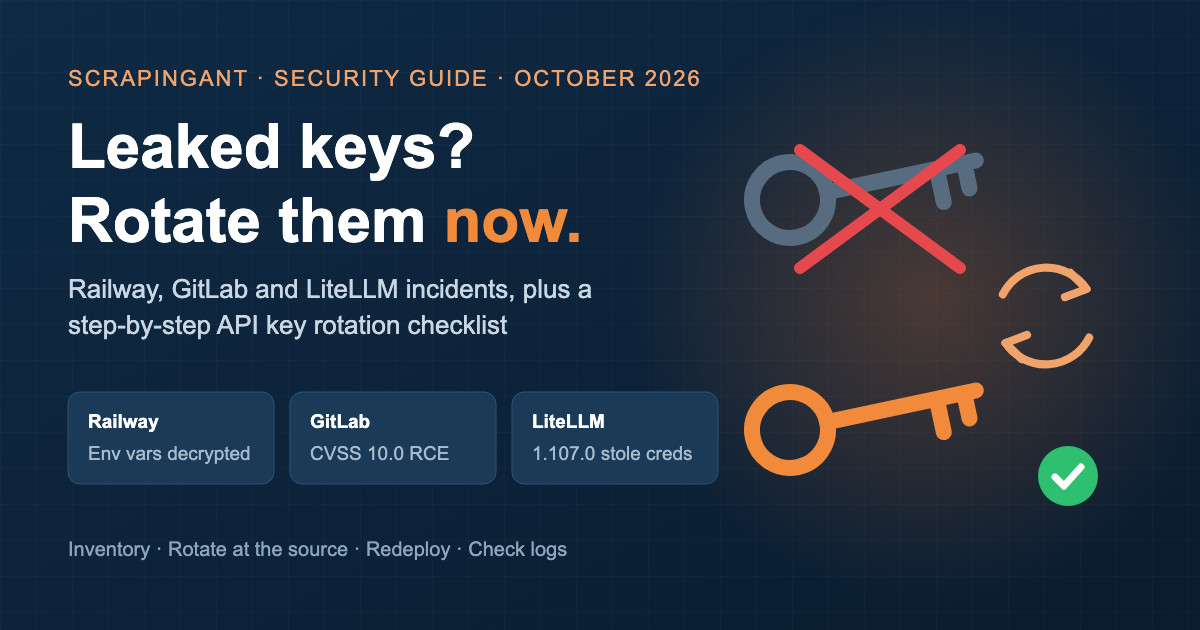
October 2026 has been a rough month for anyone who keeps API keys in the cloud. In a single week, a hosting platform reported that environment variables were decrypted by an intruder, GitLab shipped emergency fixes for a CVSS 10.0 remote code execution bug, and a popular Python package published a release that stole credentials from every machine that installed it.
If your scrapers, data pipelines or CI jobs touched any of these, assume the keys they held are exposed and rotate them. Below is a short summary of each incident from the vendors' own reports, a practical rotation checklist, and exact steps to reset your ScrapingAnt API key and proxy credentials.
What happened
Railway: encrypted environment variables accessed and partly decrypted
Railway published its security disclosure on October 21 and a preliminary report on October 22. According to Railway:
- An attacker ran a "sustained and targeted campaign" against its services. Early evidence suggests the goal was collecting AI provider API keys.
- On October 21 the attacker reached CI credentials, ran an unauthorized query against encrypted environment variables, and decrypted a subset of them.
- Environment variables may have been exposed for at most 1.85% of workspaces, about 100,000 of them.
- Railway asked vendors including GitHub, GitLab, Anthropic, OpenAI and Stripe to revoke affected keys, invalidated user sessions and API tokens, and rolled its own credentials.
Railway recommends that all customers who signed up before October 21 rotate the keys stored on Railway, remove public network access to databases, and review GitHub and container registry audit logs.
If you deploy a scraper on Railway and keep SCRAPINGANT_API_KEY (or any other key) in its variables, that key is in scope.
GitLab: two CVSS 10.0 flaws in self-managed instances
- CVE-2026-110264 (fixed October 21): an integer overflow in regular expression compilation that "could have allowed an unauthenticated user to execute arbitrary code on the GitLab server." It affects self-managed GitLab CE/EE from 7.0 up to the fixed versions 18.11.13, 19.0.10, 19.1.9, 19.2.9, 19.3.6, 19.4.3 and 19.5.1. GitLab.com is already patched. The same release also fixes CVE-2026-105777, which could let an unauthenticated user retrieve sensitive internal server credentials.
- CVE-2026-85706 (fixed September 10): a path traversal in the repository commits API that let an unauthenticated user read arbitrary files from the server. Security researchers reported active exploitation shortly after disclosure.
Patching closes the hole but does not un-leak anything. If your self-managed instance ran a vulnerable version, treat CI/CD variables, runner tokens, deploy tokens and SSH keys on it as exposed.
LiteLLM: a credential-stealing release on PyPI and Docker
On October 21, LiteLLM reported that litellm==1.107.0 on PyPI, and the v1.107.0, latest, main-latest and main-stable Docker tags, were built from an attacker-controlled repository. The malicious code "steals credentials and loads remote-code execution tools" and runs on Python startup, even if LiteLLM is never imported. LiteLLM's advice: if 1.107.0 was installed on a host with internet access, "assume the exfil succeeded," rebuild the environment and rotate every credential that host could reach.
Why scraping and data teams should care
Scraping workloads tend to sit exactly where these incidents hit: a container on a PaaS, a scheduled CI job, a Python environment with a dozen AI and data SDKs installed. A typical scraper holds several keys at once: a web scraping API key, proxy credentials, an LLM key for extraction, database and storage credentials.
A leaked scraping key costs you in two ways. Anyone who has it can spend your API credits, and your monthly quota can run out in the middle of a job you actually need. Rotating takes a minute. Waiting to see whether a key gets abused does not save anything.
How to rotate API keys after a breach: a checklist
- Inventory first. List every key stored on the affected platform or reachable from the affected machine: environment variables, CI secrets,
.envfiles, config maps, notebook secrets. - Prioritise by blast radius. Rotate keys that can spend money or reach data first (payment, cloud, AI providers, scraping APIs, databases), then everything else.
- Rotate at the source, then redeploy. Generate the new key in the provider's dashboard, update every place that uses it, and redeploy. Many services, ScrapingAnt included, invalidate the old key the moment you generate a new one, so have the new value ready to paste.
- Check usage and audit logs. Look for usage you don't recognise around the incident dates (October 20 to 22 for Railway, October 21 for LiteLLM).
- Don't stop at patching. Upgrading GitLab or pinning LiteLLM to a safe version stops new damage. Only rotation makes stolen keys useless.
- Make the next rotation cheaper. Keep keys in one secrets manager or one set of environment variables, so a future rotation means changing one value instead of hunting through repositories.
How to reset your ScrapingAnt API key
Your ScrapingAnt API key is used for the Web Scraping API, the Markdown and AI extraction endpoints, proxy mode, the MCP server and our SDKs.
- Sign in and open your Profile page.
- In Account security, click Regenerate token under the API token field.
- Copy the new token and update every integration that uses it.
The new token is generated as soon as you click, and the old one stops working, so requests that still use it will get a 403. We also email your account address when the API token changes. If you get that email and didn't reset the key yourself, reset it again and contact support.
Full details, including every place the key is typically used, are in the docs: Reset your API key.
How to reset your ScrapingAnt proxy credentials
Residential and datacenter proxy plans use their own username and password, not the API key.
- Open your Profile page and find Proxy credentials.
- Click Reset next to Residential proxies or Datacenter proxies, and confirm.
- Copy the new password. Your username stays the same.
Resetting ends all active proxy sessions. For datacenter proxies, the new password can take up to 15 minutes to take effect. See Reset your proxy credentials for the full guide.
Keep the key out of your code
The easiest key to rotate is the one that lives in exactly one place. Read it from the environment instead of hard-coding it:
import os
import requests

response = requests.get(
    "https://api.scrapingant.com/v2/general",
    params={
        "url": "https://example.com",
        "x-api-key": os.environ["SCRAPINGANT_API_KEY"],
    },
)
print(response.status_code)
When you rotate, you update SCRAPINGANT_API_KEY in your platform's variables or secrets manager, redeploy, and you're done. A few more habits that pay off:
- Never commit keys to Git. Deleting the commit later does not remove the key from forks, clones or caches.
- Don't call the API from browser or mobile code, where anyone can read the key. Send requests from your backend.
- Give each environment or project its own secrets entry so you know exactly what to update.
FAQ
Do I need to rotate my ScrapingAnt API key if I used Railway?
If you stored it as a Railway environment variable before October 21, 2026, yes. Railway recommends rotating all keys stored on the platform for customers who signed up before that date, and it takes less than a minute.
Does resetting the API key cancel my subscription or credits?
No. Regenerating the token only replaces the key. Your plan and remaining credits stay the same.
I use GitLab.com, not self-managed GitLab. Am I affected by CVE-2026-110264?
GitLab says GitLab.com already runs the patched version. The flaw affects self-managed instances that haven't upgraded to a fixed version.
Is upgrading LiteLLM enough?
No. LiteLLM says to treat any host that installed 1.107.0 as compromised, rebuild it, and rotate every credential it could reach.
How often should I rotate API keys?
Rotate immediately after any incident that might have exposed a key, and when someone who had access leaves your team. Beyond that, a regular schedule (for example every few months) keeps the process practiced, so it's quick when you really need it.